

Step-by-Step Guide: How to Use OKX, Binance, and Other Top Crypto Exchanges for Beginners
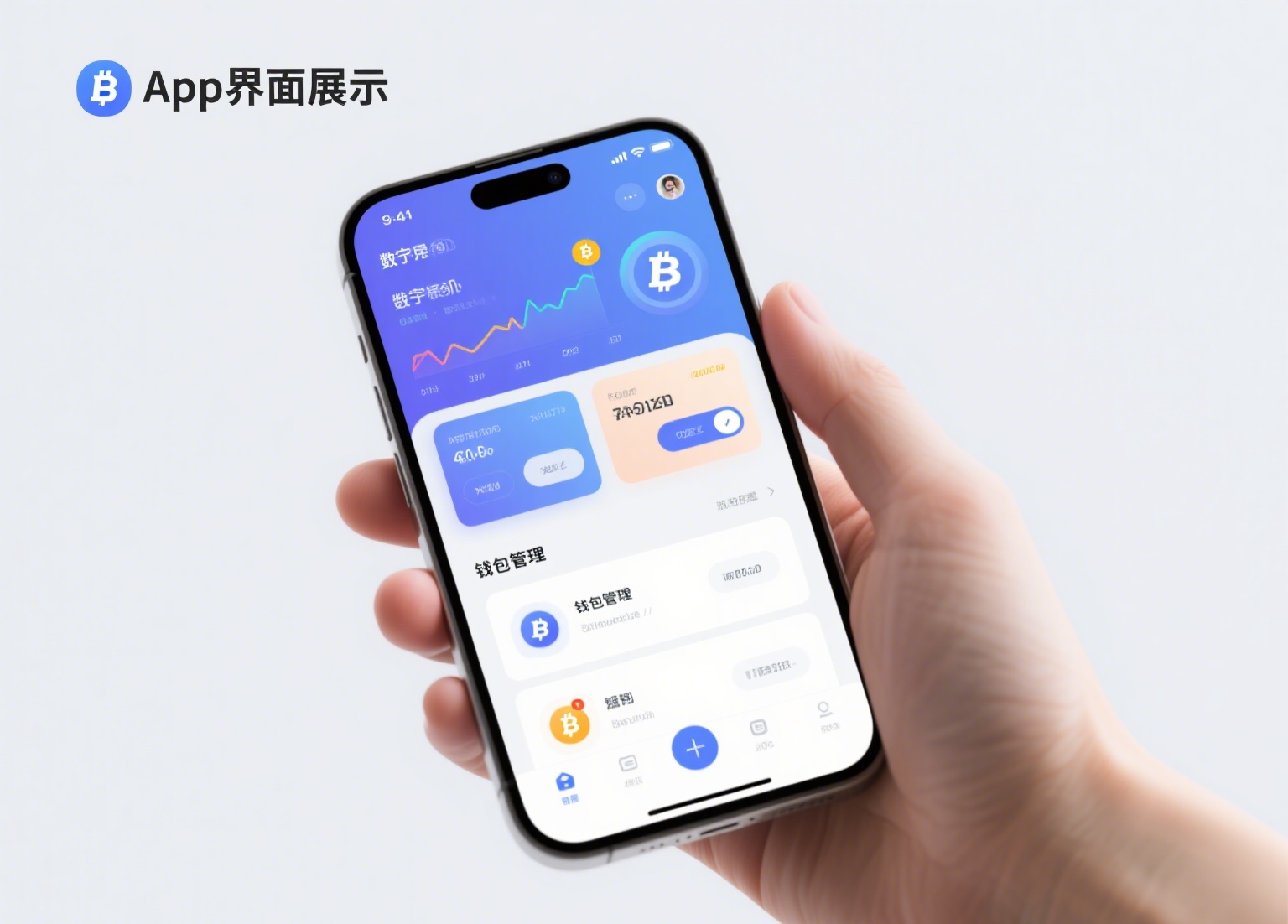
Navigating the world of cryptocurrency trading starts with choosing the right exchange. Among the most popular platforms globally are OKX and Binance (often referred to as "欧易" and "币安" in Chinese-speaking markets). If you are new to these platforms and searching for a clear, practical guide on how to use them, this article breaks down the essential steps for registration, deposit, trading, and withdrawal on both exchanges.
First, to get started with either OKX or Binance, you need to create an account. Visit the official website or download the mobile app from a trusted source. For security, ensure you are using the correct URL to avoid phishing sites. During registration, you will be required to provide an email address or phone number and set a strong password. Both exchanges enforce Know Your Customer (KYC) verification. This means you must submit a government-issued ID (such as a passport or driver’s license) and a selfie for facial verification. KYC unlocks higher withdrawal limits and full trading features. Without it, your access will be severely restricted.
Once your account is verified, the next step is to deposit funds. OKX and Binance support deposits in both fiat currency (like USD, EUR, or crypto-friendly stablecoins like USDT) and cryptocurrency. For fiat deposits, you can use bank transfers, credit/debit cards, or third-party payment processors integrated into the platform. Alternatively, if you already own crypto, you can transfer it from another wallet by selecting the "Deposit" option, copying the deposit address for the correct coin (e.g., Bitcoin or Ethereum), and sending the funds. Always double-check the network (e.g., ERC-20, BEP-20) to avoid losing your assets.
After funding your account, you are ready to trade. Both exchanges offer a "Spot Trading" interface, which is the simplest for beginners. Here, you can choose a trading pair, such as BTC/USDT. You will see a price chart on one side and an order book showing current buy and sell orders. To place a market order, simply enter the amount you wish to spend and click "Buy" – the order executes instantly at the current market price. For more control, use a limit order: set your desired price, and the trade only fills when the market reaches that level. These platforms also provide advanced tools like futures and margin trading, but new users should stick to spot trading until they understand the risks.
Security is critical when using any exchange. For both OKX and Binance, enable two-factor authentication (2FA) via the Google Authenticator app or SMS immediately after depositing funds. Additionally, set up an anti-phishing code and withdraw a small test amount before moving large sums. Remember, while exchanges provide hot wallets for easy trading, long-term storage of significant funds is safer in a private hardware wallet. For daily trading, keep only the amount you plan to use actively on the exchange.
Finally, when you need to cash out or send funds, use the "Withdraw" feature. Enter the recipient wallet address and the exact network matching your destination wallet. Both OKX and Binance charge withdrawal fees, which vary by cryptocurrency and network congestion. Always review the transaction details before confirming. If you encounter issues, both exchanges offer 24/7 customer support via live chat or ticketing systems.
By following these steps – registration, verification, deposit, spot trading, and secure withdrawals – you can effectively use OKX and Binance. Whether you are looking to invest for the long term or trade actively, these platforms provide the liquidity, tools, and security needed for a smooth crypto experience. Always start with small amounts to practice before committing larger capital.

发表评论